

Created with Plotter
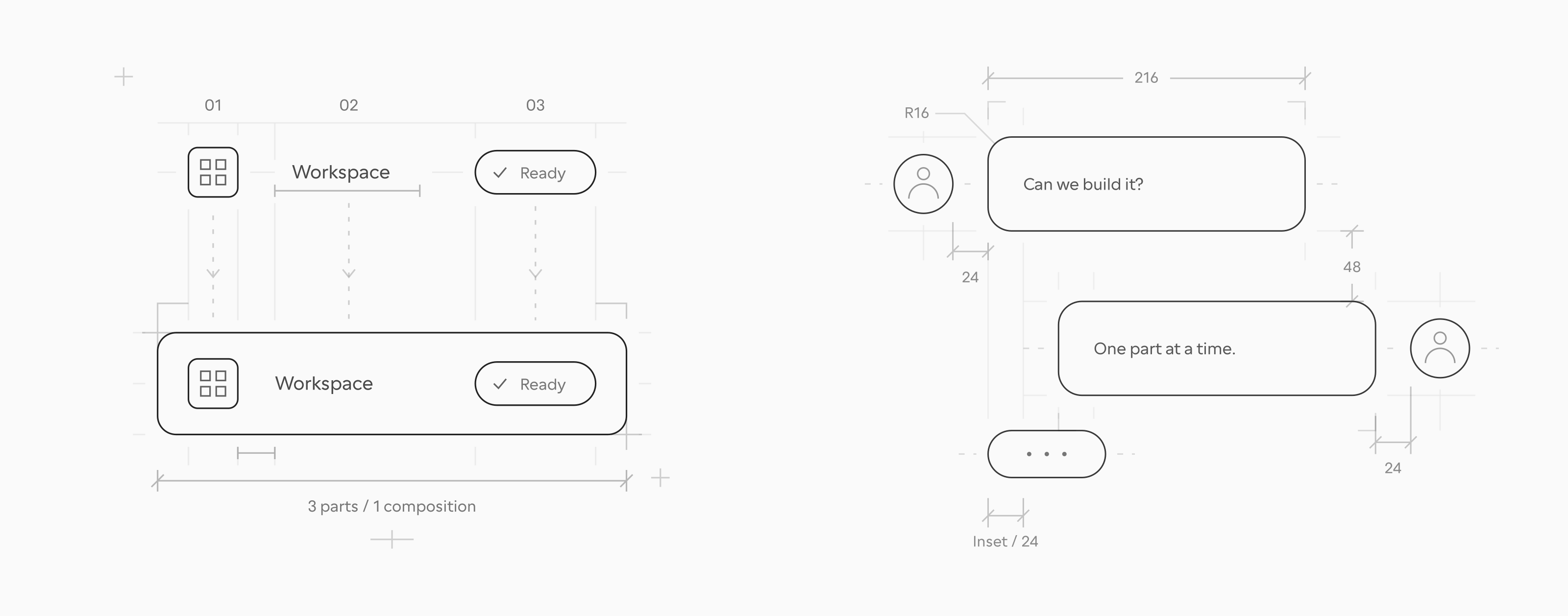
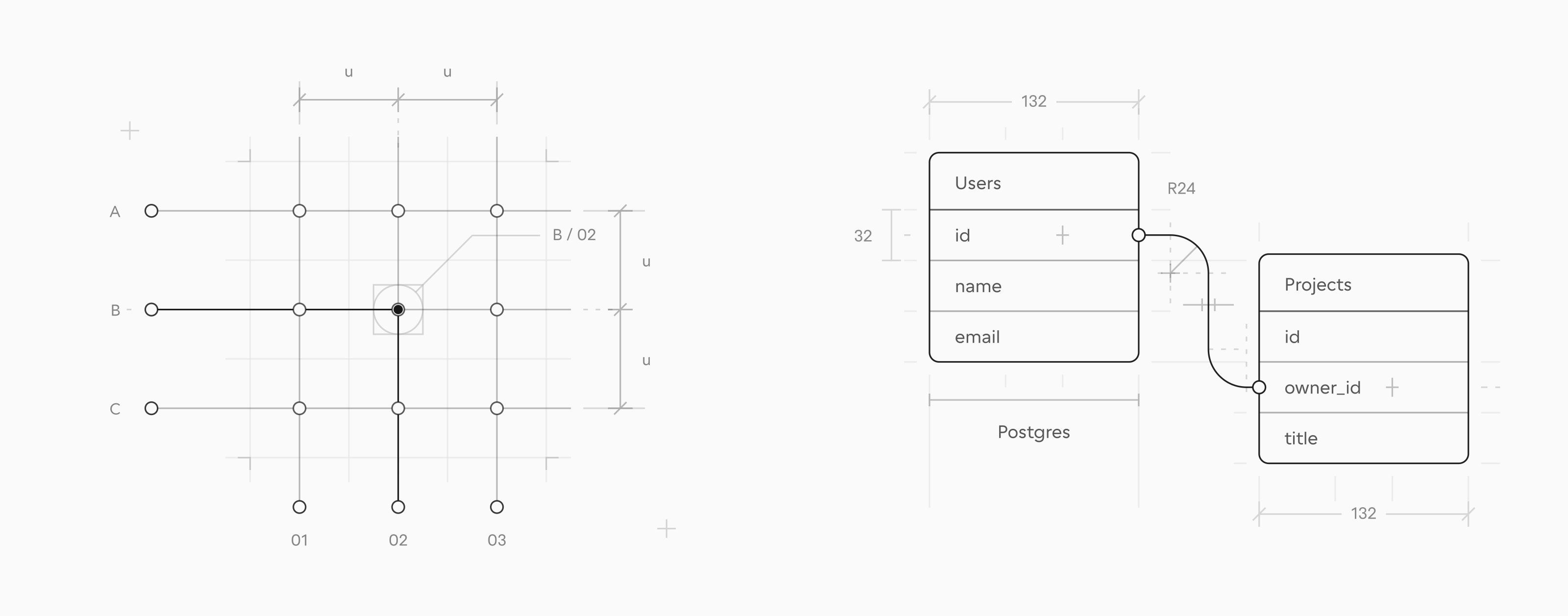
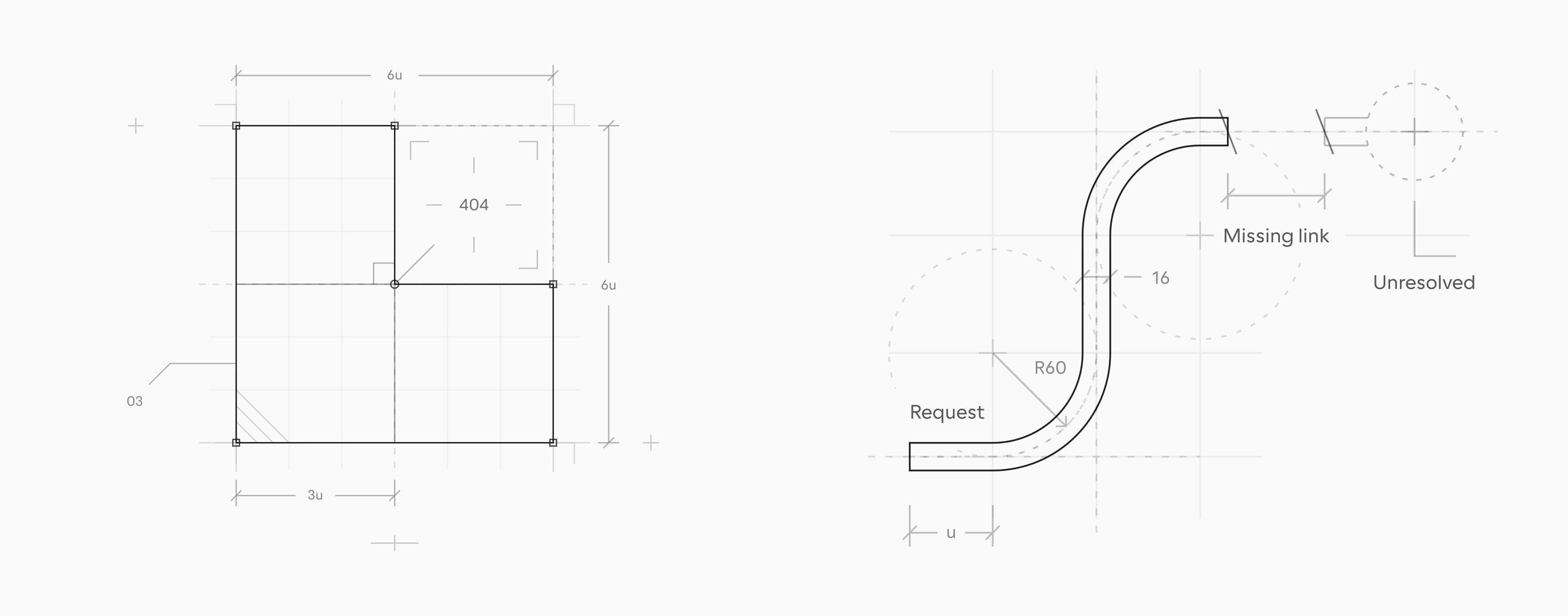
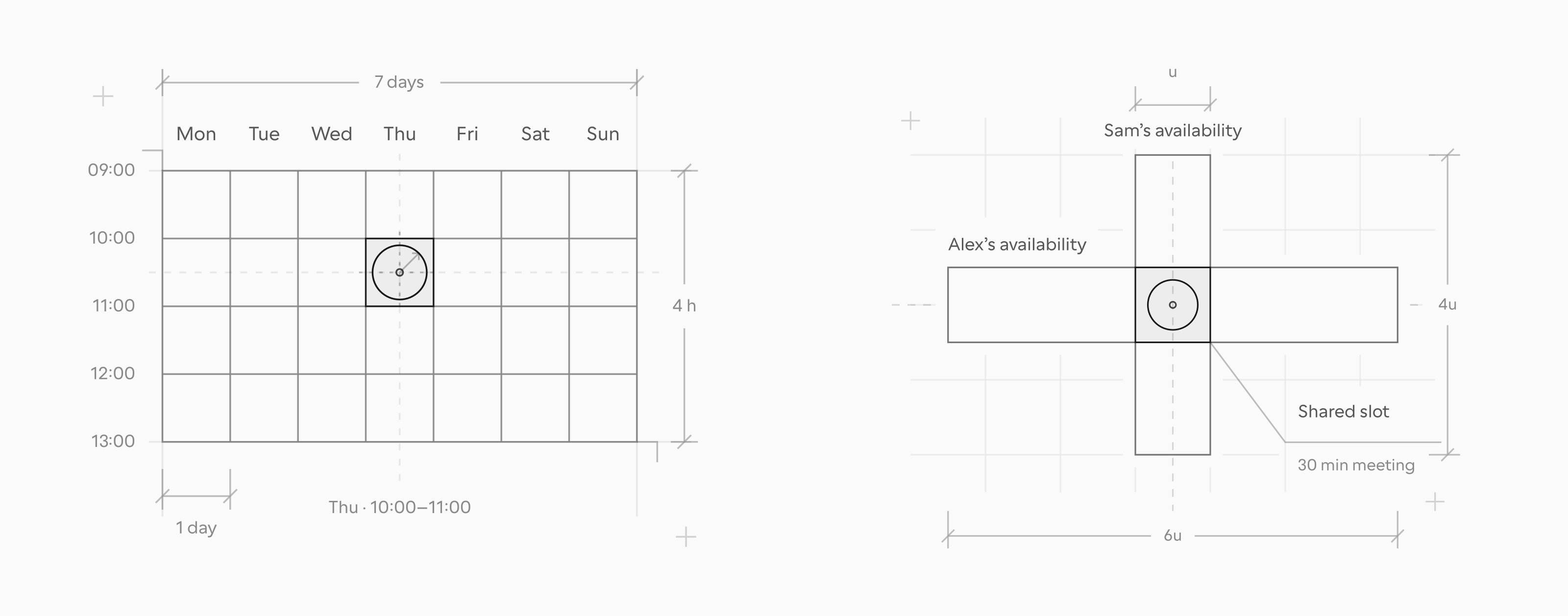
Starter prompt
After installing the skill, paste this into Cursor, Claude Code, or Codex.
Draw an icon, label, and status pill as separate parts projecting into one interface row. Keep their sizes fixed and make the shared alignment clear. Deliver an editable SVG for a component-library page.SKILL.md
---
name: plotter
description: Draw, critique, refine, or animate flat monochrome blueprint illustrations as editable SVG — thin technical line drawings that explain an idea through one construction relationship. Use when the user wants an illustration, hero image, spot illustration, empty-state or 404 image, or an explanatory drawing for docs, a landing page, a feature page, or a README in a blueprint, technical-drawing, schematic, or line-art style; when they name Plotter or a catalogue code such as TIM-05; or when they ask to animate or review a Plotter drawing. Not for data charts, flowcharts in Mermaid or similar tools, icon sets, photorealistic or isometric art, general interface animation, or engineering certification.
---

# Plotter

Make one construction relationship carry the idea: alignment, proportion, assembly, routing, tangency, or intersection. Deliver editable vectors; animation adds behavior to a readable static composition.

## Hard rules

These hold for every drawing, option sheet, and animation frame. The references explain them; they do not relax them.

1. **One relationship, named before drawing.** State it in a sentence: what aligns, fits, overlaps, or is missing. A subject such as “agents” is not yet a composition, and marks added to a subject without a relationship are decoration.
2. **An object is never a sign for an idea.** A magnifier for search, a bell for notifications, a gear for settings: a conventional icon names the concept and explains nothing, with or without drafting marks around it. For a concept, draw the structure it works on and what happens to that structure, such as an ordered index with one position unfilled. Draw an object as the main form only when the brief is that object and the drawing shows how its shape is built. A glyph may sit inside a UI fragment at its real size, as a magnifier does inside a search field.
3. **A small size never changes the canvas or the language.** Compose at `560 × 440` whatever the display size, then derive a [compact version](references/drawing.md#small-placements) from the same geometry. Redrawing the idea on a small canvas produces an icon.
4. **Flat only.** Plan, elevation, or a conceptual plane. Never perspective, isometric depth, skew, gradients, shadows, or lighting: depth cues turn a construction into a rendering.
5. **Transparent forms.** Shapes are `fill="none"`. The one exception is a translucent highlight on a named selection, intersection, or result, painted once. A drawing has to read on any page color, and an opaque patch hides what crosses it.
6. **One ink, one weight.** Draw in `currentColor` with 1-unit strokes. Opacity sets the hierarchy and a dash pattern carries a meaning; never thicken a line for emphasis.
7. **Main form first.** The main form reads first, construction second, sparse dimensions and labels third. The drawing must still read with every supporting mark removed.
8. **Every mark earns its place.** Name the relationship each guide, arrow, hatch, grid, or dimension explains. If removing it leaves that relationship equally clear, remove it.
9. **Dimensions tell the truth.** Derive a label and its witnesses from the same geometry. A label that disagrees with the span it measures is an error.
10. **Arrows mean change.** Use one only for movement or direction, with a solid head even on a dashed shaft. Alignment and equal size use projections or dimensions.
11. **Every label looks the same: small, regular, and quiet.** Editable `<text>` in `Cal Sans, sans-serif` at weight 400 and 10 to 12 units, at 0.72 ink for names and 0.5 for values and notes, with `stroke="none"`: text inherits the drawing’s stroke unless you turn it off, and stroked letters read as bold. No label is ever bold, larger, full ink, all caps, letter-spaced, italic, or upside down, whatever it names. Use typeset punctuation (’ – − “ ”). No title block or sheet number inside the drawing: the host page supplies those.
12. **One owner per edge, hatch inside its region.** Draw each coincident segment once, and clip hatching to the bounded region it identifies.
13. **Check and look before delivering.** Run `python3 scripts/check.py drawing.svg` and fix every error it reports. Then render, inspect, and do both again after the last edit. Without a render, say the visual review is pending.

## Numbers

Lengths are SVG units on a `560 × 440` canvas.

<!-- BEGIN GENERATED: numbers -->
- Every stroke is **1** unit wide.
- Opacity: **1** primary form, section cut; **0.32** secondary form, dimension, leader, transfer, hidden, absent, or proposed outline; **0.18** hatch; **0.14** reference guide, centerline; **0.06** grid.
- Region highlight: `fill-opacity` **0.055**.
- Dashes: `8 3 1 3` centerline; `3 5` hidden, absent, or proposed; `4 6` movement or transfer. Everything else is continuous.
- Arrowhead: two solid **6**-unit legs at **45°**, meeting the shaft’s last dash at the tip.
- Dimension: **8**-unit slashes; at least **3** units clear around every label’s glyphs.
- Hatch: **12**-unit pitch along an edge, at −45°.
<!-- END GENERATED: numbers -->

- Text is **10–12** units at weight **400**, filled and unstroked, at **0.72** ink for names and **0.5** for values and notes, as in every catalogue drawing.
- A guide that does not connect to a contour stops **8** units short of it.

These are the defaults behind the role tokens. In the editable source, apply them with `data-plotter-role` and the generated stylesheet, as the [foundation](references/foundation.md) describes, so the user can retheme the drawing; literal values belong in the resolved export.

## Choose the workflow

Resolve this skill’s installed directory first. All links below are relative to it. The complete folder includes visual references, helper implementation, examples, and render and export tools; standalone work needs no website checkout or prior conversation.

| Request                                                        | Read and follow                                                                                                                                                                |
| -------------------------------------------------------------- | ------------------------------------------------------------------------------------------------------------------------------------------------------------------------------ |
| Create or refine a static drawing; critique an illustration    | [Drawing workflow](references/drawing.md). For critique, report findings and proposed corrections without editing unless requested.                                            |
| Animate an illustration; refine timing, transitions, or a loop | [Animation workflow](references/motion.md). If no usable static composition exists, complete the drawing workflow first.                                                       |
| Deliver only a static drawing from an animation                | Use the selected static composition and the [foundation's static export](references/foundation.md#standalone-static-export). Time zero is not automatically the right drawing. |

“Animate this illustration” goes straight to the animation workflow, with the same grammar and tokens. Motion uses the same visual rules. Choose the change, stage its events, and review its rhythm before deciding how to package it; playback UI follows the delivery context.

## Load the shared references

For drawing, critique, or animation:

1. Read [current direction](references/direction.md) and the [approved reference index](references/approved-references.md). Select and inspect the closest **bundled SVG** by its construction relationship. Then search the [catalogue index](references/catalogue/index.md), which gives each of its drawings one line, for the brief’s subject: search, schedule, upload, 404, and so on. When a catalogue drawing already covers the subject, or the brief names a code such as `TIM-06`, open that SVG and start from its relationship. It shows how this subject has been solved, not a layout to copy.
2. Read the [visual grammar](references/visual-grammar.md) to choose meaningful marks. Inspect the linked teaching SVG for each mark you add or revise. Existing unchanged marks do not require loading every teaching example.
3. Read the [drafting standard](references/drafting-standard.md): scope, stroke palette, and geometry/dimensions; include hatch grammar when hatching is involved and symbols/topology when making connectivity or product-behavior claims.

Current direction governs composition, the grammar explains marks, and the drafting standard defines their treatment. Shared numerical role defaults and helper constants come from [`standard.json`](assets/foundation/standard.json). Historical snapshots demonstrate composition and may retain documented exceptions. Preserve an existing illustration's appearance during implementation refactors.

Load additional material only for its branch:

| When                                                                                         | Reference                                                                                          |
| -------------------------------------------------------------------------------------------- | -------------------------------------------------------------------------------------------------- |
| Writing role-based SVG, using arrow/dimension/hatch helpers, overriding tokens, or exporting | [Portable foundation](references/foundation.md), including its supported cases and examples        |
| Explicitly asked for technical verification                                                  | [Verification prompt](references/verification-prompt.md), supplied with current source and renders |

## Faults to catch

Each of these appeared in drawings made from this skill. Check the render for them before delivering.

- A dimension, guide, or leader running through a label, including the dimension’s own value. Split the line around the text or move the label.
- Labels touching each other or a contour.
- A dimension on every part. Keep the two or three that explain the construction; a full chain of measurements buries the relationship.
- An object standing in for a concept, such as a magnifier for search or a bell for notifications, however carefully it is constructed.
- A small display size answered with a new small canvas, thick strokes, and icon shapes instead of the compact version.
- A subject the catalogue already covers, drawn without opening that drawing.
- The composition pushed against one edge of the canvas, or the focal form off-center without a reason.
- Text that inherits the drawing’s stroke and reads bold, or any label that is bold, oversized, full ink, all caps, or upside down.
- A title block or a sheet number.
- A shape or object study that is only an outline and a dimension, with none of the geometry that builds it.
- One highlight painted on two shapes, so the overlap reads twice.
- An edit made after the last render.

## Finish the requested artifact

Use the selected workflow's completion criteria. Save deliverables where the user is working, not in a temporary folder, and give their paths. Deliver the editable source, the requested preview/export, and a concise account of the relationship, relevant limitations, and what was actually inspected. If rendering or interaction was unavailable, identify that gap instead of claiming visual or motion verification. Honor the requested verification scope; automated checks and tests are not prerequisites when the user excludes them.

Write the report for someone who has not seen this package, in this order, and keep it under about 150 words. A critique may run longer.

1. **Files:** each deliverable’s path.
2. **What it shows:** the relationship in one or two sentences. Name a borrowed drawing by its title and what you took from it; a bare catalogue code or the word “approved” tells the reader nothing.
3. **Checked:** what you rendered and looked at, with sizes and themes.
4. **Not checked:** what remains unverified, and any assumption the reader should confirm.

When offering options, list them after the files and end with the question. For a critique, give the verdict first, then the faults ranked by how much they hurt, each with where it is and the fix.
Related skills
- Visual DesignCanvas DesignCreate beautiful visual art, posters, and static designs using design philosophy. Generates museum-quality work with a two-step process: philosophy creation, then visual expression.
 Anthropic45.5k
- Visual DesignTheme Factory10 pre-set professional themes with colors and fonts for slides, docs, reports, and landing pages. Apply consistent styling or generate custom themes on-the-fly.Anthropic45.5k